

Pro
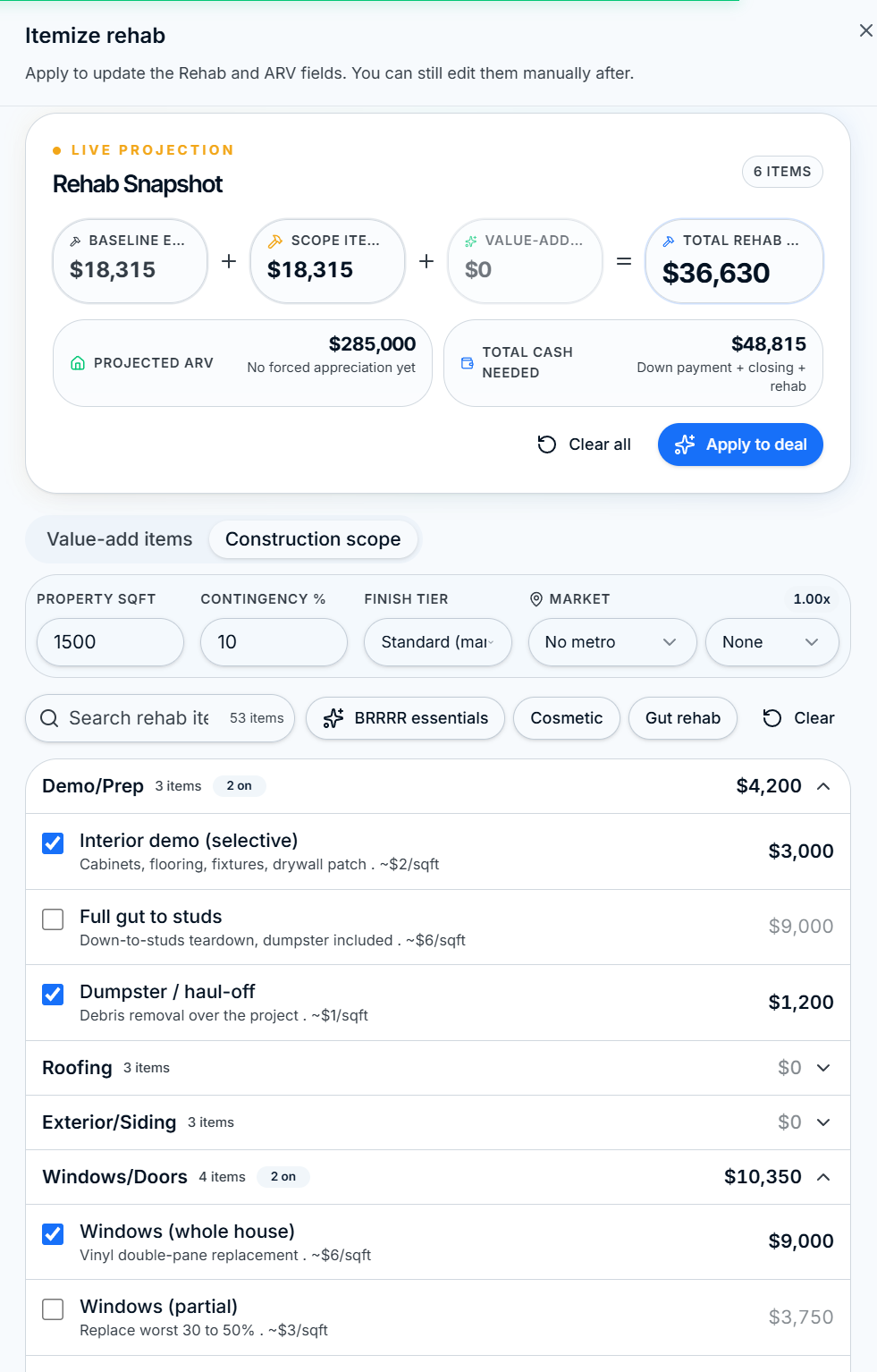
Rehab Walkthrough
On-site checklist built into Omni-View. Tap Itemize next to Rehab Budget, work room by room, and watch rehab and ARV update live. Works offline.
Five stages. One connected workflow. ROIStack ties the calculator, the pipeline, the on-site walkthrough, and the share step together so deals move forward without bouncing between tabs or re-entering numbers.
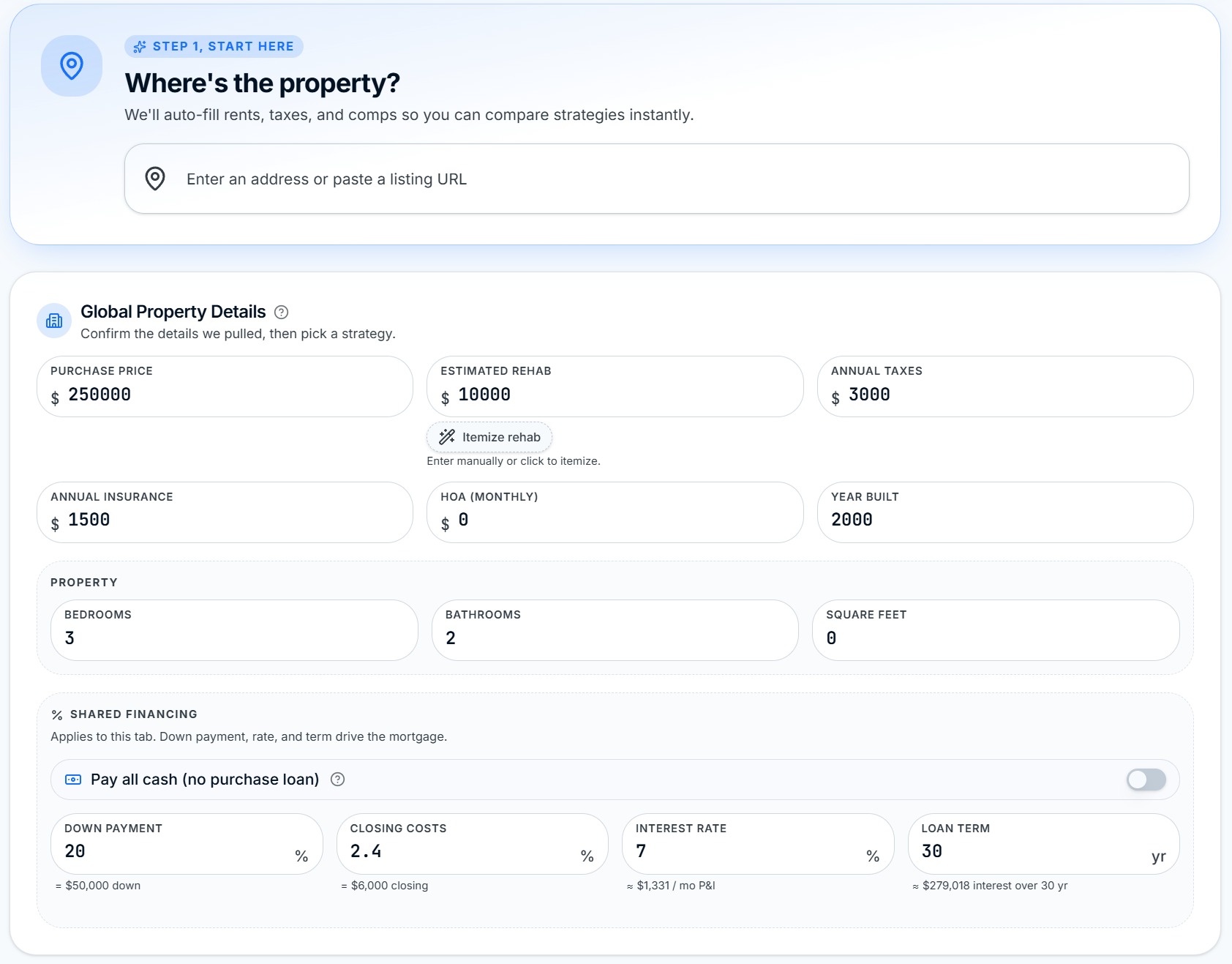
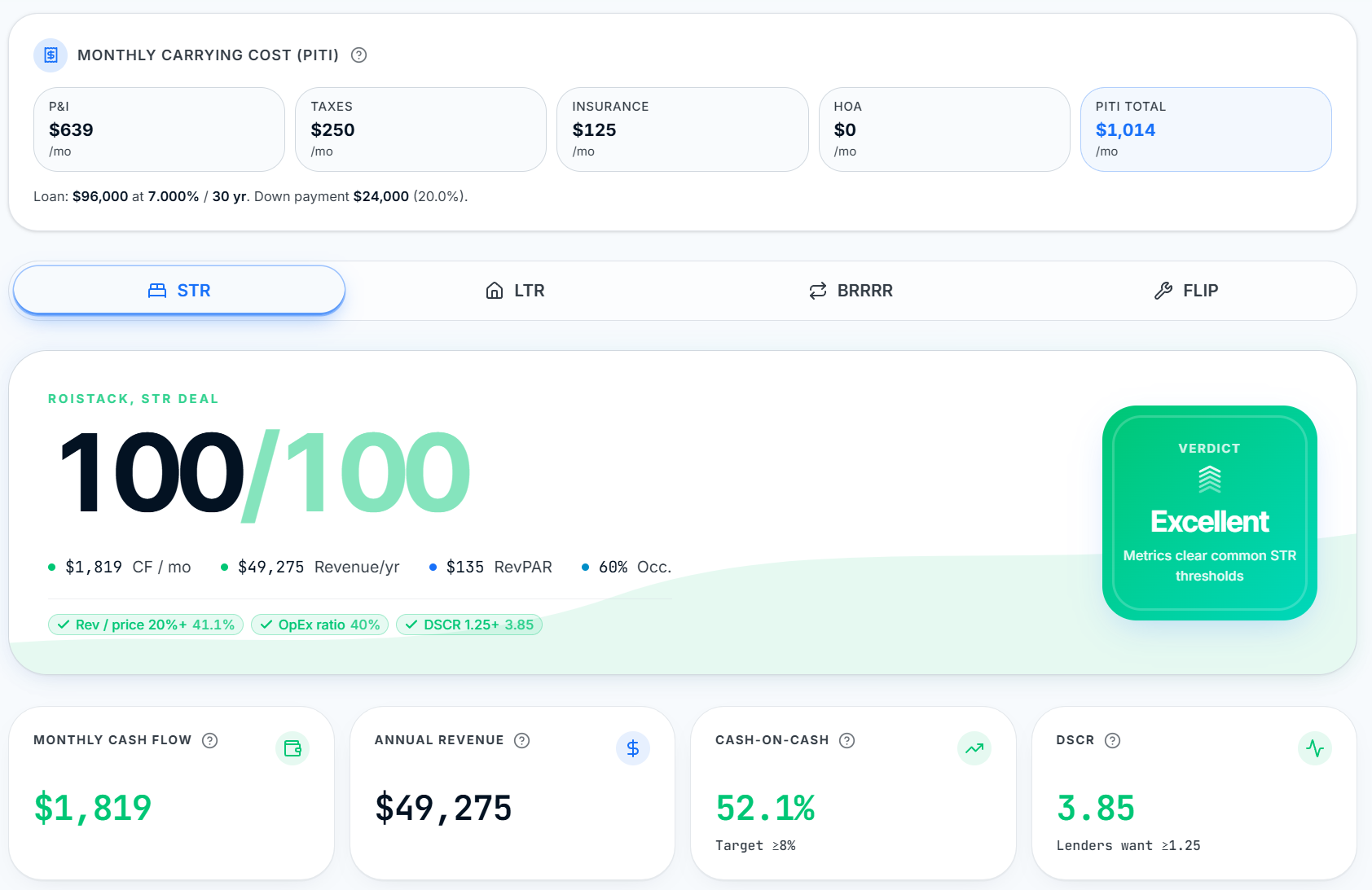
Omni-View underwrites LTR, STR, BRRRR, and Flip from a single set of inputs, with a Sticky KPI HUD pinned to the top while you type so the numbers move as you think.
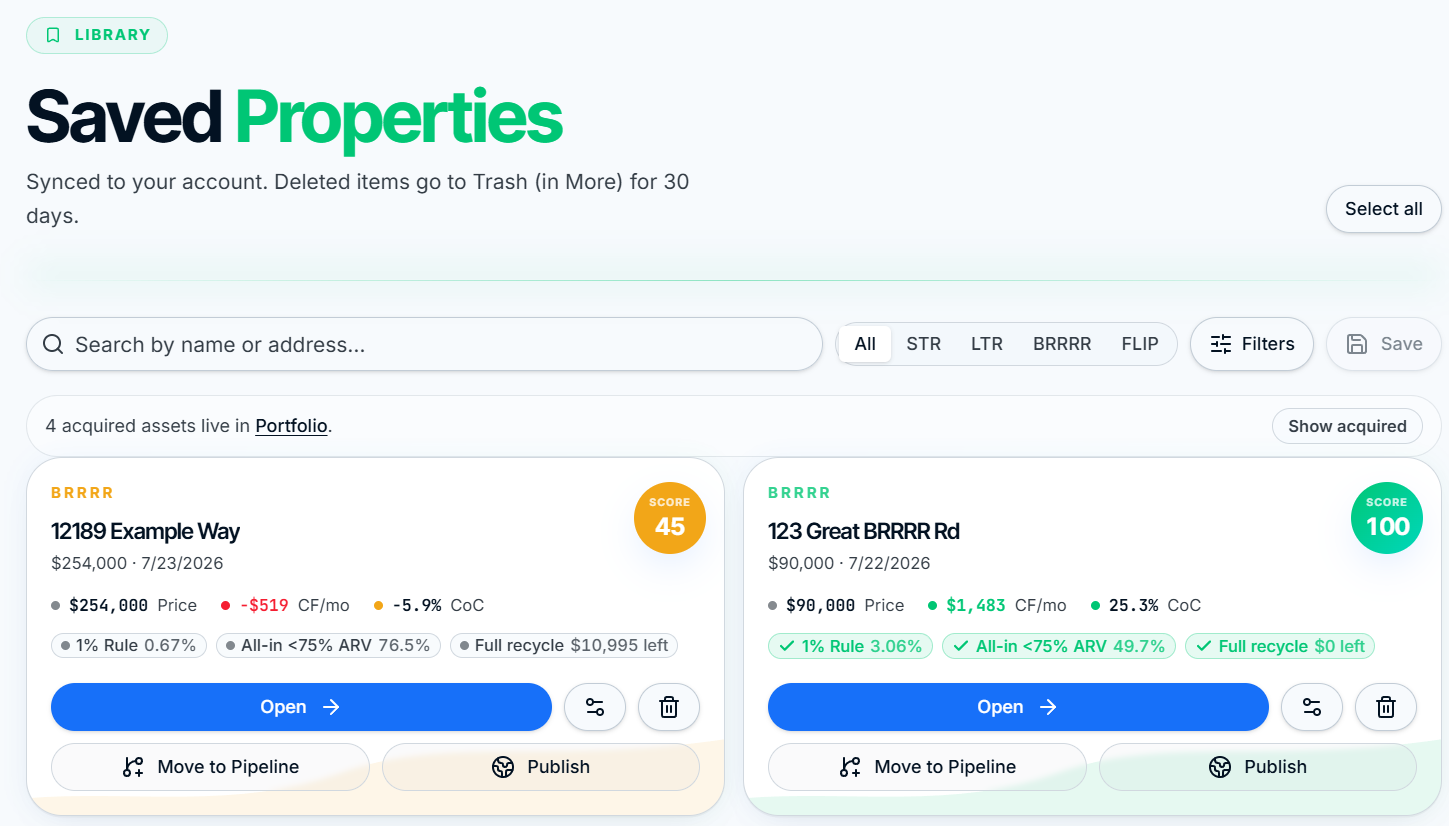
Saved Deals is your working library. Every property you underwrite lands here with its score, key metrics, and a task checklist ready to fill in.
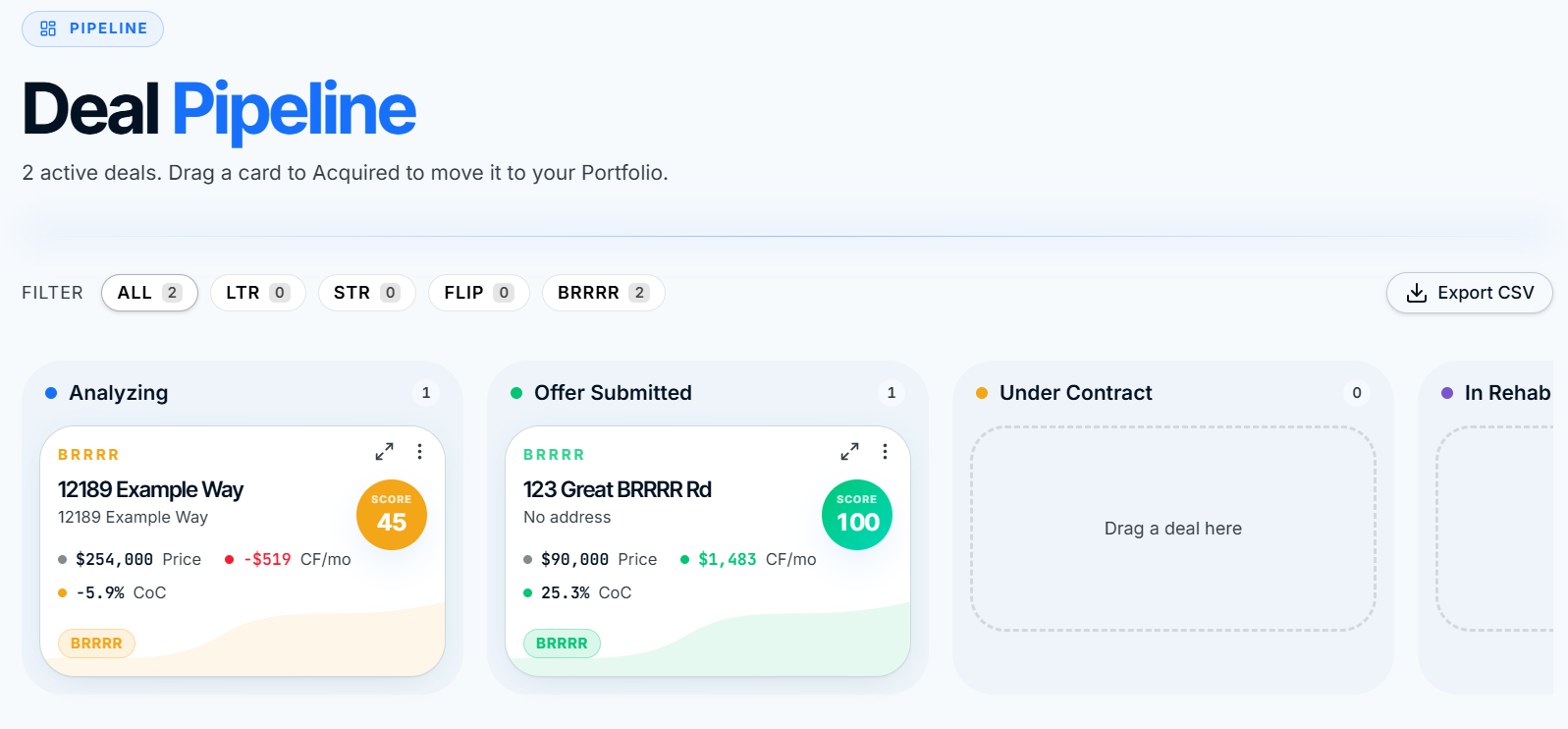
Drag saved deals through six stages: Analyzing, Offer Submitted, Under Contract, In Rehab, Completed, Sold. Tap any card to open the Deal Hub Drawer.
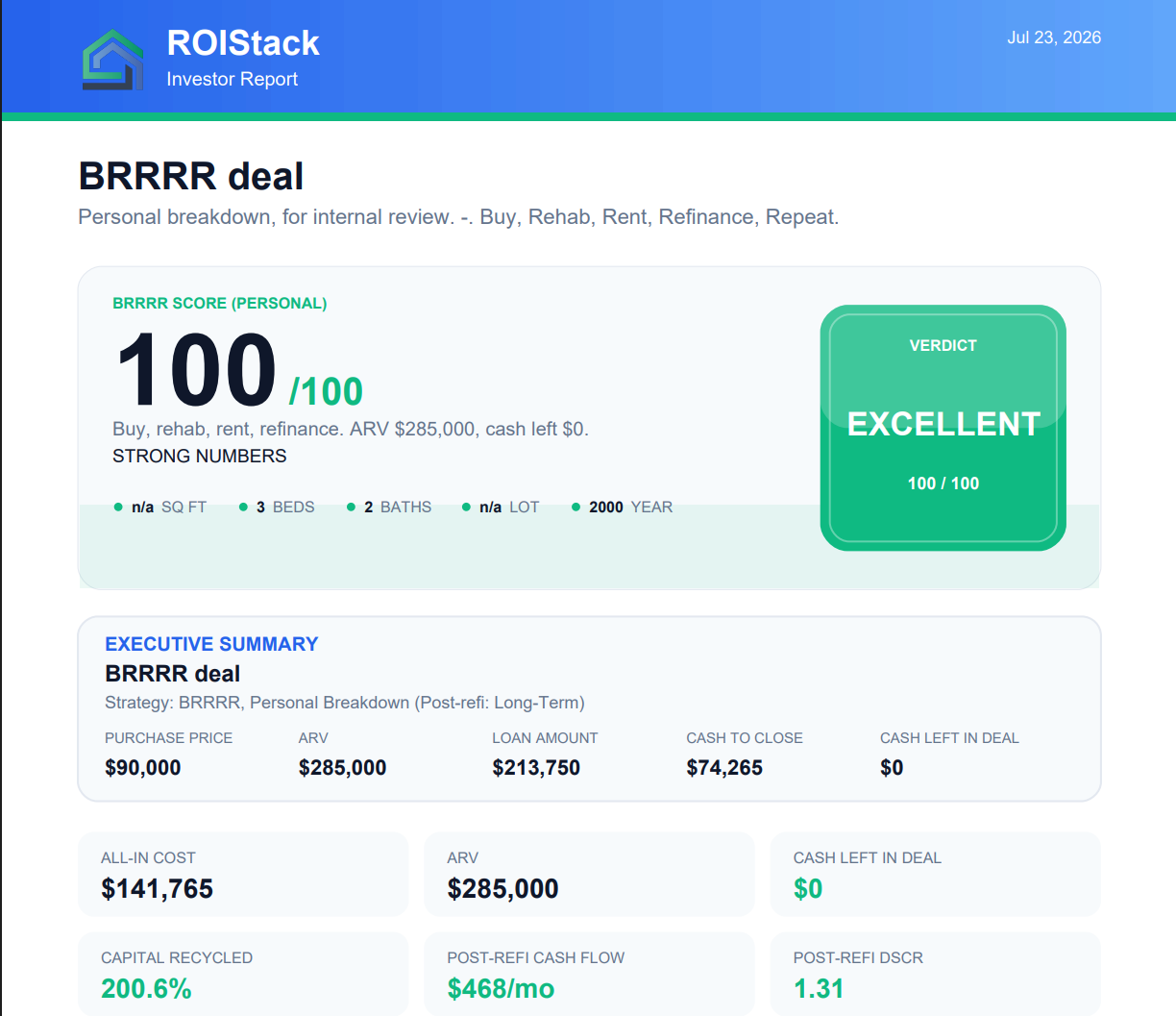
Publish a read-only share link or export a branded PDF memo. Lenders, partners, and buyers see the numbers on any device, no login required.
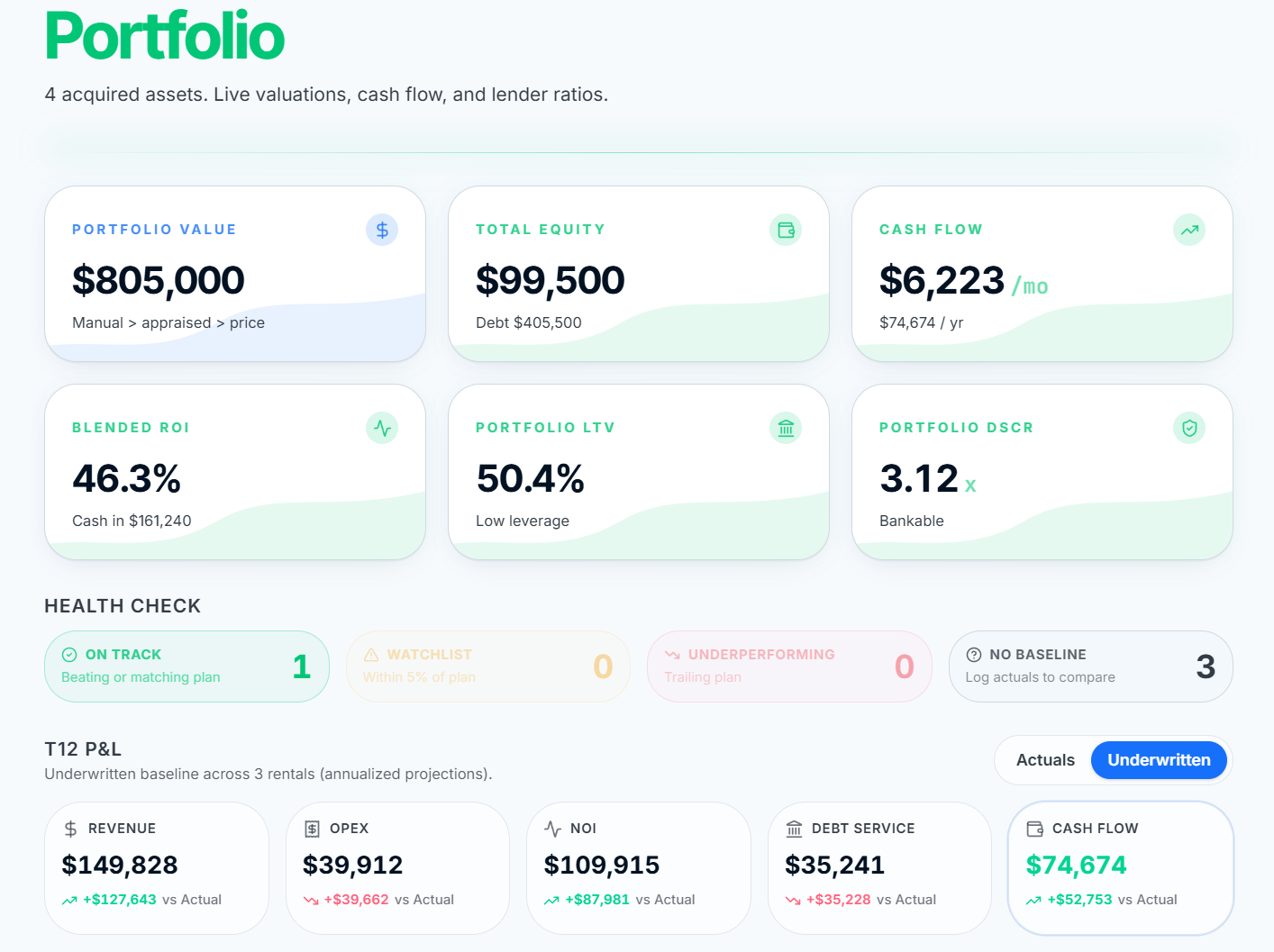
Move closed deals into the Portfolio dashboard. Aggregate cash flow, equity, CoC, and realized flip profit across every asset you own, with per-property drill-down.
Three tools unlock when you upgrade, each designed to close a specific gap between analyzing and closing.
On-site checklist built into Omni-View. Tap Itemize next to Rehab Budget, work room by room, and watch rehab and ARV update live. Works offline.
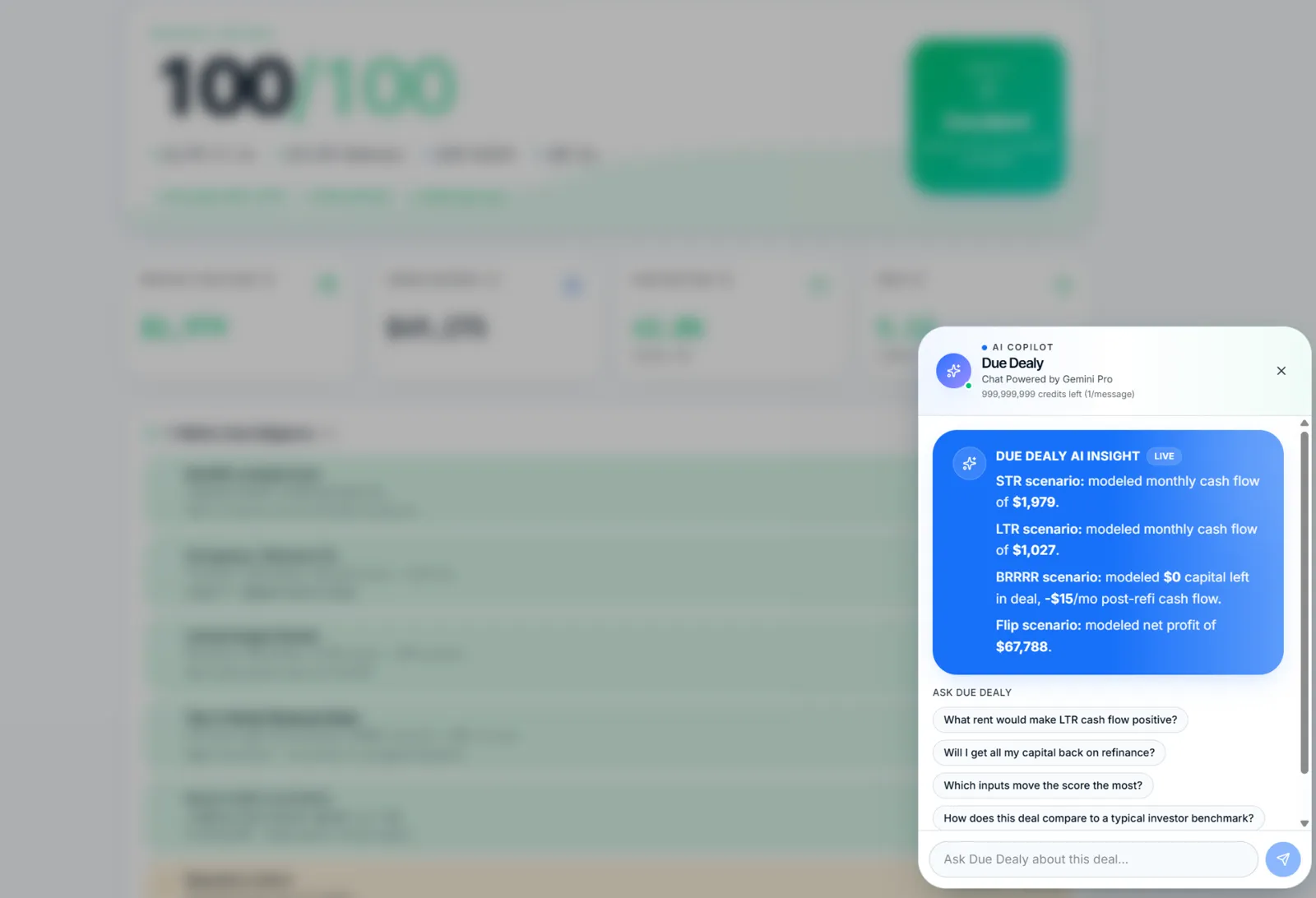
Opens with a deterministic 4-strategy comparison plus suggested questions. Grounded in your actual numbers, not generic answers.
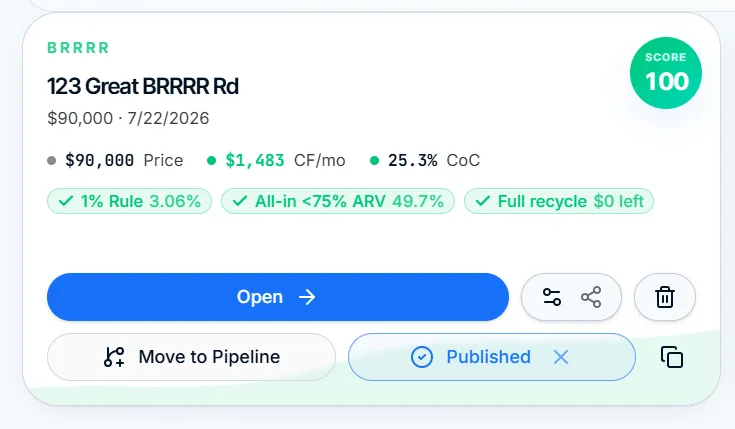
Publish any saved deal as a read-only web link or a branded PDF memo. Unlimited on Pro and Investor.
ROIStack is a PWA. Install it to your home screen and run the full underwriting, pipeline, and walkthrough flow from a phone, even without signal.
The analyzer, pipeline, and saved deals are free forever. Pro adds the tools you'll want the day you go to contract.