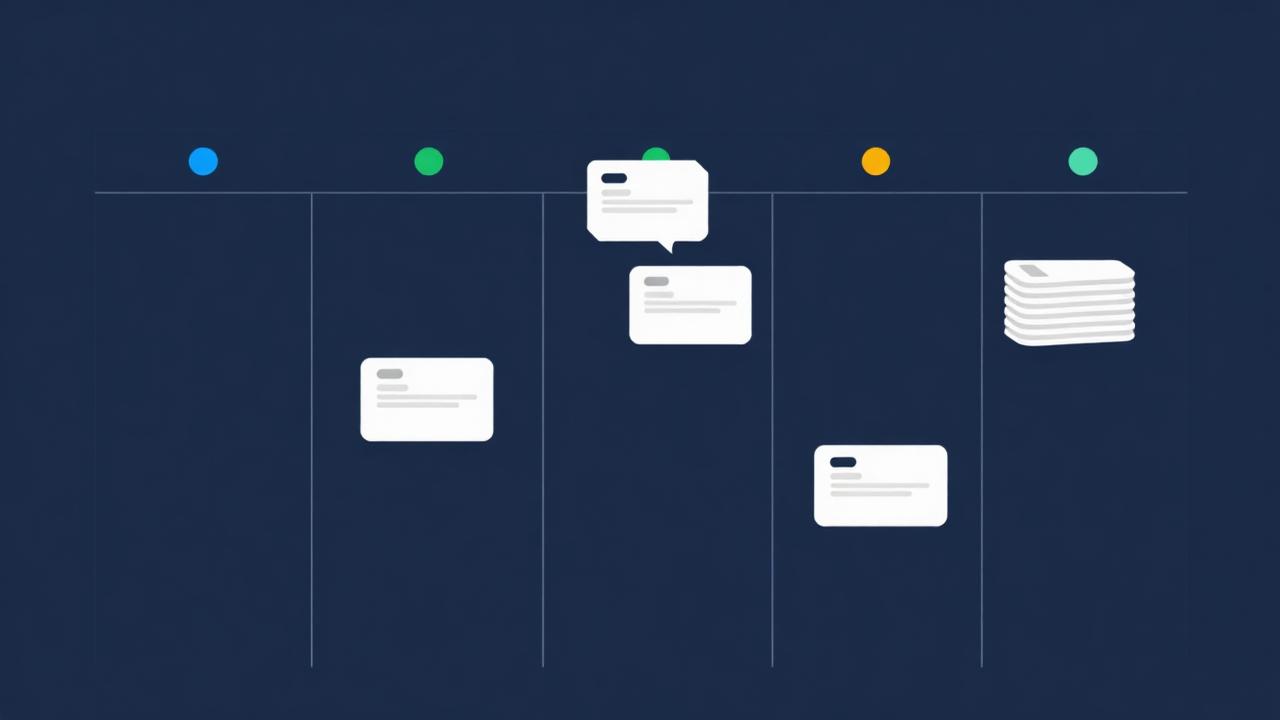
Pipeline is your deal Kanban. Every saved deal shows up here as a card, grouped by stage, and you drag cards left to right as a deal progresses from underwriting to close. The board is available on the free plan.
The stages
- Analyzing. Default stage for a freshly saved deal. Numbers are still moving.
- Offer Submitted. You've delivered a written offer to the seller or agent.
- Under Contract. Offer accepted, in inspection, appraisal, or financing contingency.
- In Rehab. Closed and under construction. Applies to BRRRR and Flip.
- Completed. Acquired and stabilized. This is the stage that promotes the deal into Portfolio.
- Sold. Exited. Used for Flip completions and any long-term hold you have since sold.
Moving deals
Drag a card to a different column, or open the Deal Hub Drawer and pick a stage from the stage pill at the top. Both actions write to the same field, so the change syncs everywhere immediately.
The Deal Hub Drawer
Click any card to open the drawer. It gives you:
- The full underwriting summary for the active strategy.
- Stage pill for one-tap stage changes.
- Notes and tags on the deal.
- Reload to Omni, to keep tuning the numbers.
- Share and Export actions (read-only link, CSV, branded PDF).
Filters and search
The header of Pipeline filters by strategy (LTR, STR, BRRRR, Flip) and searches the address, notes, and tags. Use tags to keep track of markets, lenders, or partners across many deals.