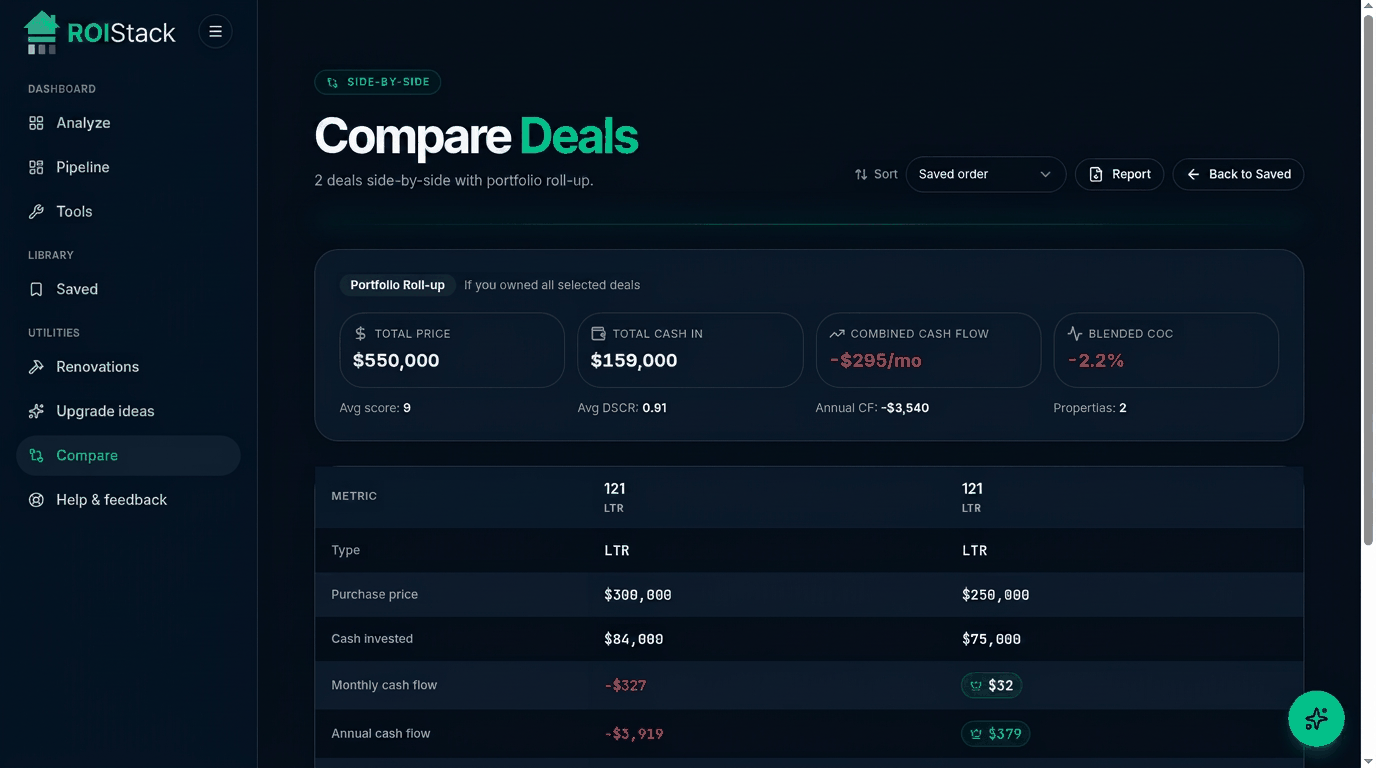
When you've underwritten more than one option, Compare lays them out in a single table so you can see exactly where each deal wins or loses, with a portfolio roll-up at the top.
How to use it
- Save each deal first. Compare reads from your saved deals.
- Open Compare and pick 2 to 4 deals.
- Sort by the metric that matters most (cash flow, score, cap rate).
- Use the highlighted row to spot the best value per axis.
Reading the comparison
- Highest score doesn't always win. Check cash left in the deal and risk profile.
- Watch cash-on-cash vs cap rate. Leverage can mask a weak property.
- Look at break-even occupancy for STRs before picking the higher-revenue one.