Once you've underwritten a deal, you'll usually want to keep it, send it to a partner, or package it up for a lender. ROIStack supports all three without leaving the analyzer.
Saving deals
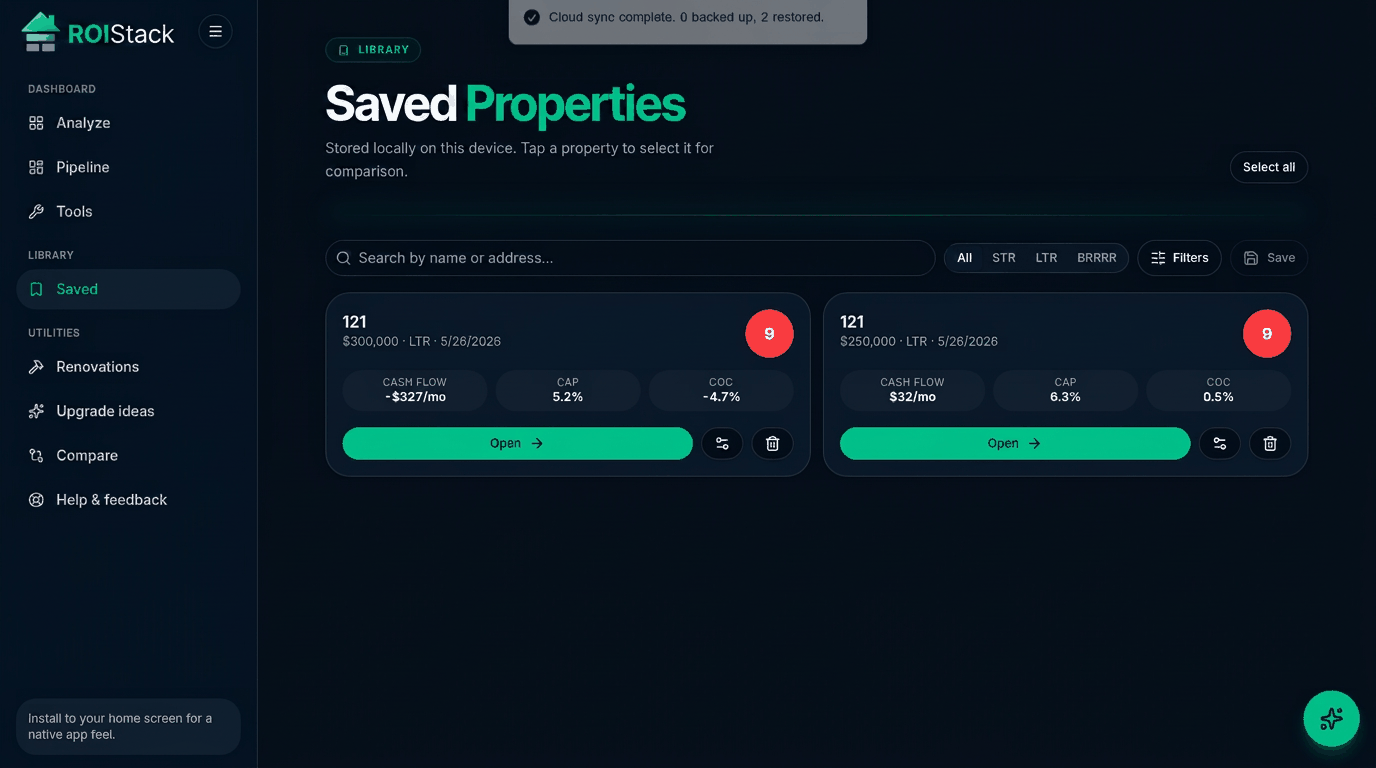
- Deals sync to your account on every plan, so they follow you across devices.
- Free: up to 5 saved deals. Starter: up to 15. Pro and Investor: unlimited.
- Open your Saved page anytime to revisit, edit, or compare.
Share links
- Every saved deal can produce a read-only share link.
- Anyone with the link sees the inputs and outputs. They cannot edit or see your account.
- Free and Starter: up to 3 active share links. Pro and Investor: unlimited.
- Revoke a link from the deal's settings if you no longer want it accessible.
Exports
- CSV: available on every plan. Inputs and outputs in a spreadsheet-friendly layout.
- PDF: a Pro feature. Branded one-page summary suitable for lenders, partners, or sellers.