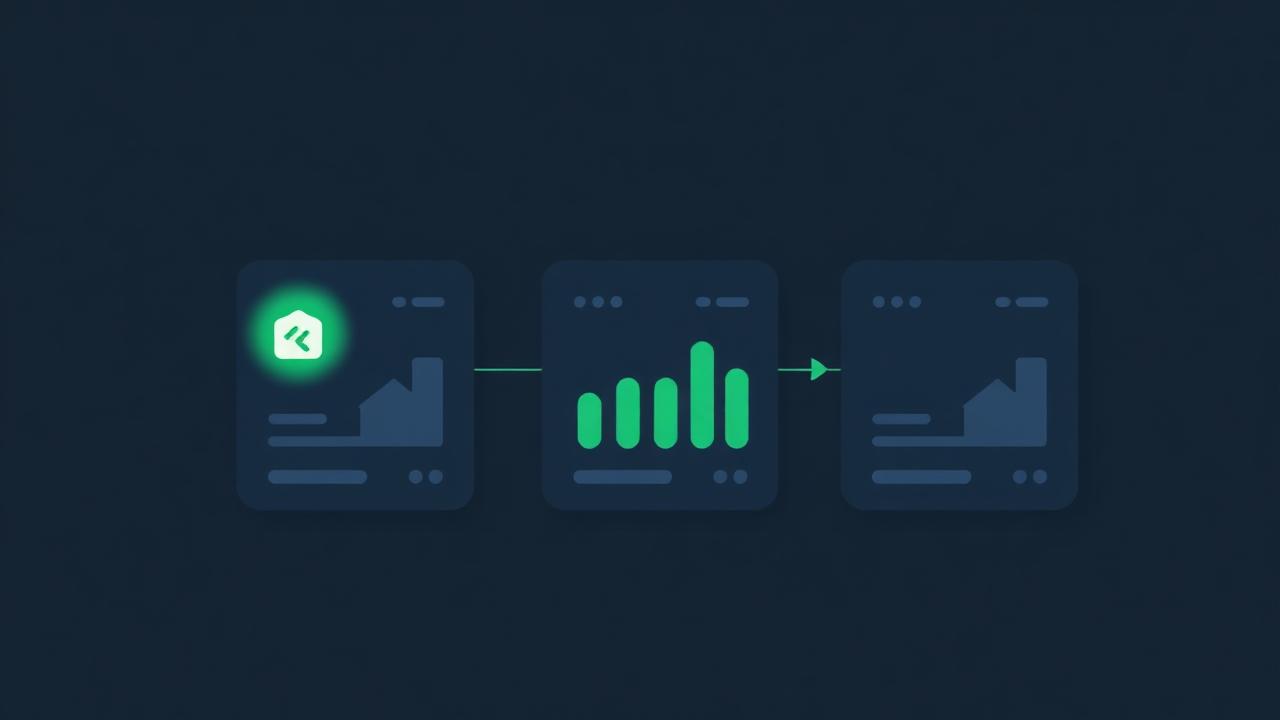
Watchlist is where listings from Deal Finder wait for their turn. Think of it as the top of your funnel: everything worth a closer look, before you spend the time to actually underwrite it in Omni.
How things get here
From the Deal Finder feed (or a market page under Markets), tap the bookmark on any listing card. It lands in Watchlist immediately. Watchlist is per-account, so listings sync across your devices.
Notes and tags
Every saved listing carries a notes field and a tag list. Use tags for markets, sources, agents, or intent (for example str-candidate, needs-inspection,agent-called). Tags are freeform and get suggested from your prior tags as you type.
Compare side by side
Select two or more listings and tap Compare to open the compare drawer. You'll see the price, price per square foot, beds, baths, days on market, and photos in one view. Compare is meant for triage, not full underwriting. When you find the winner, send it to Omni.
Send to Omni
The Analyze action on a watchlist row prefills Omni with the address, price, beds, and baths, then opens the strategy that the listing's source hints at. From there you finish the analysis, save the deal, and it enters your Pipeline.